Before your grocery store buys another technology tool, fix the job that tool is supposed to do. Name one business problem, decide who owns it, check the data it needs, and map how the work will change for the people using it. If those pieces are fuzzy, a new platform may only give you a more expensive workaround.
That decision matters now. On September 25, 2026, FMI, The Food Industry Association, summarized its new State of Technology research. FMI says fewer than one-third of food retailers report having a defined change-management plan for technologies they are deploying, including AI. The problem is not a lack of tools. It is turning an investment into useful work.
Start with one problem your team can describe
“We need AI” is not a problem statement. Neither is “Our system is old.” Start with the task that wastes time, creates mistakes, or keeps a customer waiting.
- Store managers rebuild the same report by hand every Monday.
- Promotion details live in three files that do not agree.
- Each location orders signs through a different process.
- One employee is the only person who understands the spreadsheet.
Pick one. Write down what goes into the process, what should come out, how often it happens, and where it breaks. That short description gives you something useful to show a software vendor or developer. It also gives you a way to decide whether you need a new tool at all.
Give the data and the decision an owner
A dashboard cannot settle which number is correct. A portal cannot decide who approves a late change. Before a build starts, name the person who owns each important input and the person who can make the final call.
For a weekly promotion tool, that could mean one owner for price and item data, one for creative approval, and one for store changes. For an operations dashboard, it may mean agreeing which system is the source for sales, labor, or inventory. You do not need perfect data on day one. You do need a rule for resolving conflicts.
Plan the work after launch
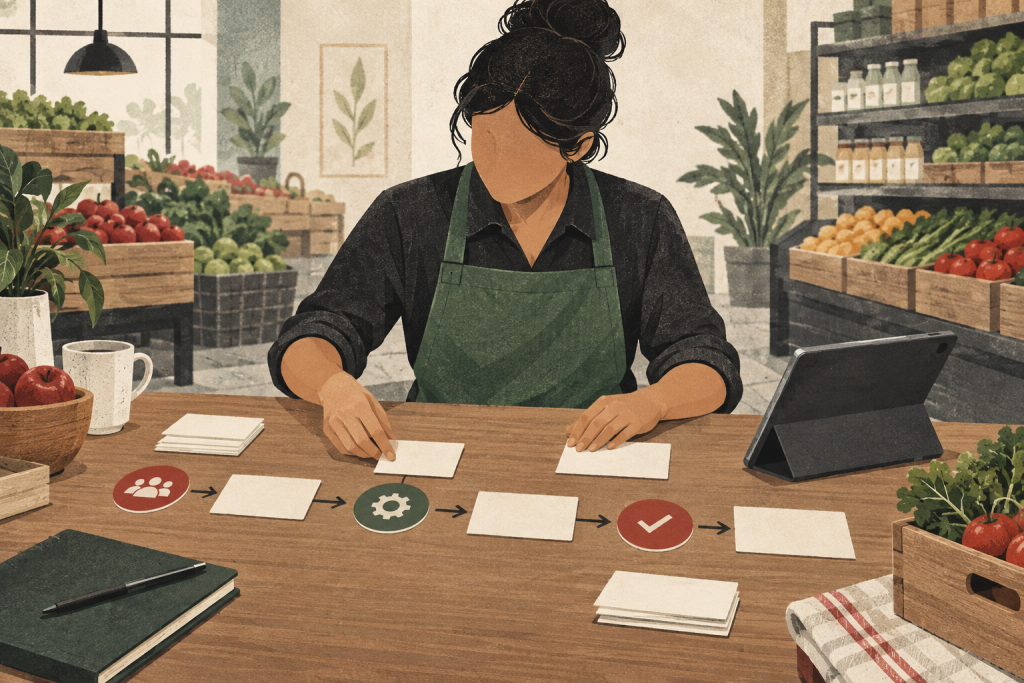
Ask the people who will use the tool to walk through a normal week before anyone designs a screen. Which step disappears? Which new step replaces it? Who needs training? What happens when a manager is out, a product changes late, or a location loses access?
Then run one real process with a small group. Watch where they pause, what they still track on paper, and which alerts they ignore. A launch meeting is not an adoption plan. A better tool earns its place when the team can use it on the busy day, not just during the demo.
Decide what better looks like before you build
Choose one result the team can inspect. It might be fewer manual entries, one approved report instead of five versions, faster sign ordering, or fewer corrections after a promotion is released. Record the current process first. Otherwise, every new feature can feel productive without proving that the work improved.
This is also where you choose between fixing what you have and building something new. If clearer ownership solves the problem, keep the software. If the same important gap keeps forcing your team into spreadsheets and side systems, a tool built around your operation may make sense.
Use a real grocery workflow as the specification
Weber’s custom software team has publicly shown how it built store-operations software around the way B. Green Co., which operates Green Valley Marketplace, actually works. The published example includes recipes, commissary orders, product management, and daily store reporting in one system. It is proof of the approach, not a promise of a particular financial result.
You can start with one broken process or scope a larger store-operations system. Either way, the first conversation should be about your week, your people, and the decision the tool needs to improve. That fits how Weber already works with grocery and retail teams: one team learns the cadence and gets the moving parts working together.
Bring us the spreadsheet, workaround, or system that almost fits. Talk to a Weber strategist, and we will help you sort out what to fix before you spend money on the next tool.
We used AI tools to help research and draft this article.